
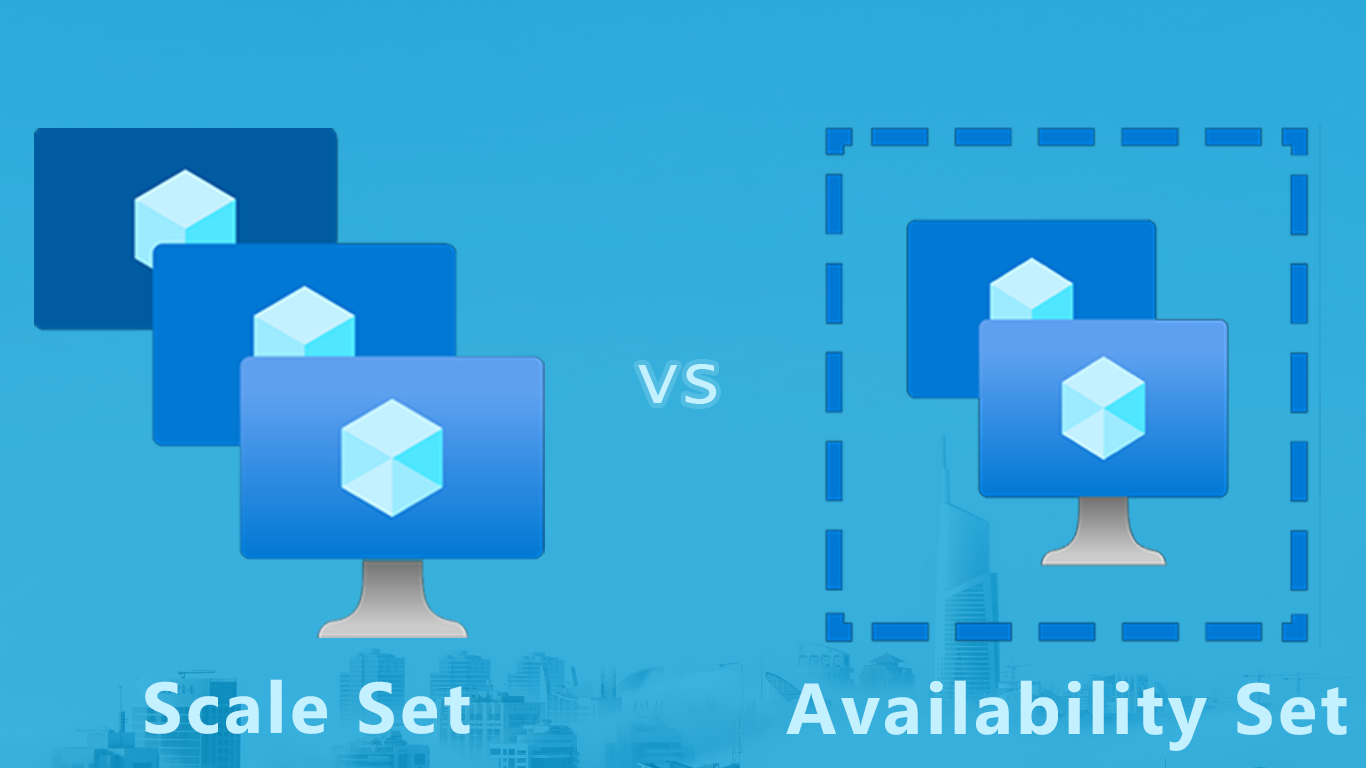
Azure Scale Set vs Azure Availability Set
In this blog post, we will be comparing two important features in Azure: Scale Sets and Availability Sets. Both of these features are designed to help you manage and scale your applications, but they work in different ways and are suitable for different use cases. Understanding the differences between these two features is important if you are planning to use Azure to host your applications.

Create an Azure Function App for dotnet out-of-proc
Did you know? In-process C# class library Azure Functions will not be supported from .NET 7.0 on! And although you should always target LTS and that gives you almost two years to adapt, the hard stop could require quite a massive rewrite!

.NET 6, A guide for the high impact Breaking Changes
.NET 6 is the first Long-Term-Support (LTS) version since the “one .NET to rule them all” era, which means it’s plan as future-proof. It includes a tone of improvements and changes that are planned to live long, thing that brought with it a few high impact Breaking Changes. Although there are lower impact braking changes too, this guide will help you identify if any of the important ones really affect you, and provide a suggestion at the same time.